
 How often have you been doing a repetitive task and thought, “A robot could do this”? Now imagine what would actually happen if you tried to build that robot. It probably wouldn’t work very well and it might be hilarious. That pretty accurately describe’s Simone’s Robots on YouTube. Go check out her channel and watch her build a robot to apply lipstick, chop vegetables, or slap her as an alarm clock. She’s got a good sense of humor and the videos are reasonable crisp and short. They’re good for a couple chuckles.
Lockette’s Injury
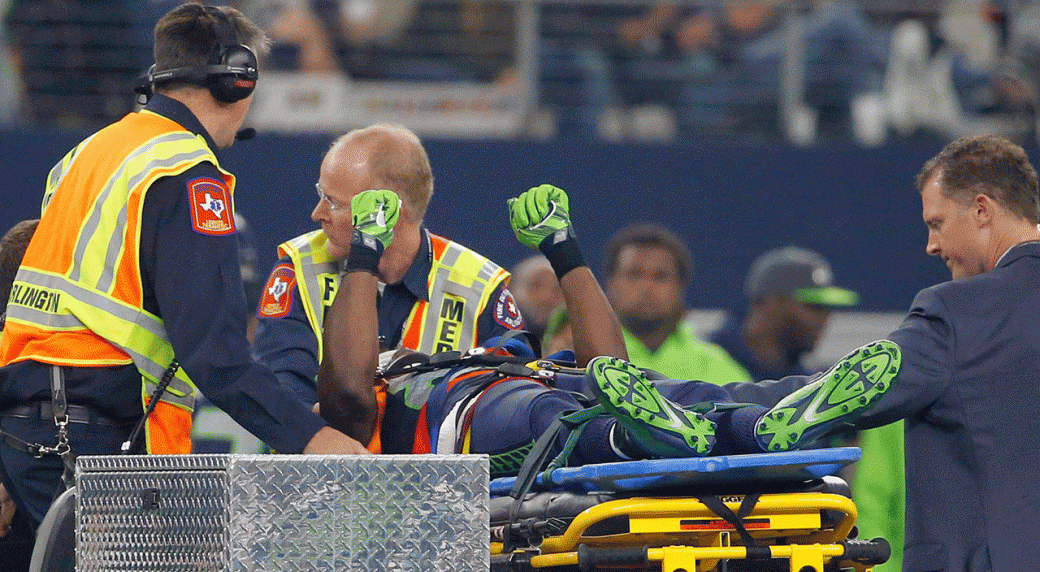 Seahawks wide receiver Ricardo Lockette took a serious hit in a game against the Cowboys last November. If you really want to watch it, there are plenty of videos of it on YouTube. In a recent talk to paramedics and fire fighters in Redmond, he talked about how close he came to dying right there on the field. Apparently his neck was seriously injured and any wrong move by the team that helped him could have ended his life. You can read more about his story on sportsnet.ca.
Snoqualmie Cat Fire
Summit at Snoqualmie has one less grooming machine than they used to. One of them caught fire and burned to the ground. Oops.



Mike Rowe’s Podcast
 Mike Rowe is one of my favorite people to follow on Facebook. He has such a refreshingly normal view on life (or at least one that aligns with mine) and he is great with words. I was thrilled to hear that he has started a new podcast. He says it’s an homage to Paul Harvey and I can definitely see the similarities. Each episode is short (~5-6 minutes) and tells a great story. I don’t want to ruin it for you because it’s so much better to hear it in his own words. But do me a favor and go to https://mikerowe.com/podcast/ and listen to episode 5. If you don’t get hooked after those 5 minutes, then I give up. It’s an incredible story.
Seattle Aquarium
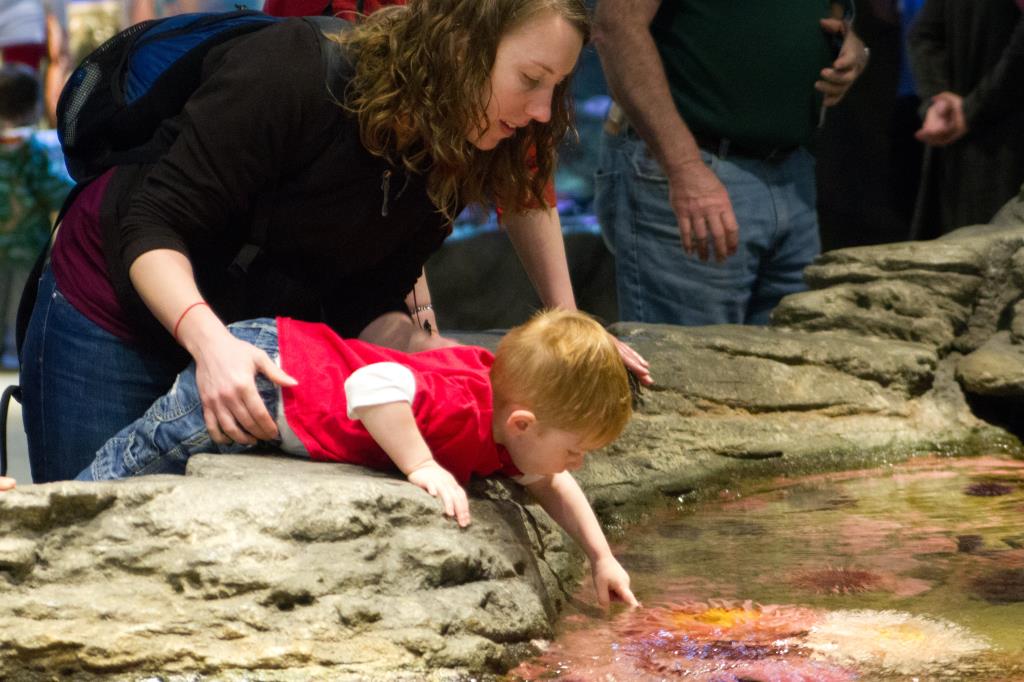
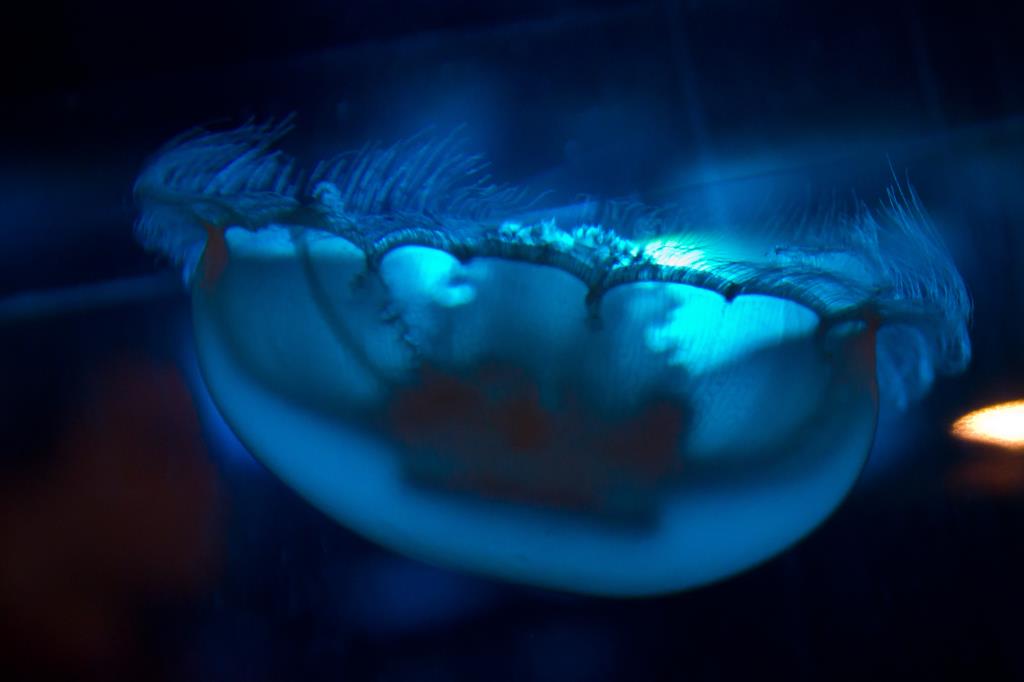
For Logan’s birthday, we all headed to the Seattle waterfront to visit the aquarium. It turned out to be a beautiful day so not only was the aquarium fun, but we also got to walk along the waterfront (which is completely under construction as they replace the seawall) and eat lunch at Ivar’s. Elijah is getting to a good age for the aquarium and really got into it, especially the area where he could touch the animals.


Top Gun 2
 Sequels of childhood classics are almost always embarrassing failures. So when I heard that Top Gun 2 might actually happen, I cringed a little. The first movie is so good that I almost want it to stand alone. Could they possibly make anothe one that isn’t terrible?
Tom Cruise and Val Kilmer are signed up again. The screenwriters have movies like The Hunger Games and Jungle Book to their credit. So it’s possible that it could be good if it actually does come to fruition. The plot is supposed to center around the transition from manned jets to drones. I can only guess that Maverick and Ice Man will have to save the day by flying manually when the drones fail spectactularly.
It’s been 30 years since Top Gun took flight. It’s still a great movie after all these years. Let’s hope that the sequel either doesn’t happen or is actually watchable. I wouldn’t bet heavily on either option though.
Custom Ammo Cans
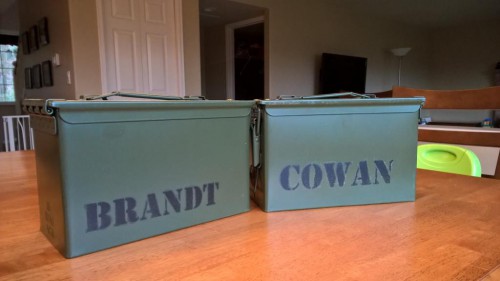
Making projects for birthdays is fun but it’s so hard for me to wait to share pictures of them! Ken’s birthday is today and Logan’s birthday was yesterday and they both got customized 50 cal ammo cans. The cans came straight from Amazon and then I used the laser cutter to cut stencils out of paper. I used spray adhesive to stick the paper to the cans while I covered them with rubber spray paint. The adhesive stayed on the can a little more than I had intended but they came out ok. I’m not sure if the spray paint will stay on the metal or if it will peel off too easily. If it does then we’ll just do it again but next time I’ll scuff up the metal first. The back side of the cans got a “serial number” involving their initials and birth dates.
Happy birthday guys!
Kirkland Plastic Bag Ban
 As of March 1, you won’t be receiving plastic bags at checkout in Kirkland anymore. We live in Woodinville, but we’re right on the border with Kirkland and the Safeway we use most often is in Kirkland. Seattle and Issaquah made this change a while back but I guess I missed the fact that Kirkland was going to do this because it caught me by surprise. Now you either need to bring your own bags or pay $0.05 for a paper bag.
The council passed this last year and at that time, there were some surveys showing that over 60% of people were against this idea. I wasn’t included in that survey, but I agree. I’ve been doing a lot of whining this week about government actions, but this one frustrates me too.
The argument is that plastic bags are bad for landfills. I’m not going to disagree with that, but I disagree that this new law is the logical best course. Why couldn’t we ask/force stores to have a bin for recycling plastic bags? If you want to ban plastic bags, why are you making it a law that stores HAVE to charge $0.05 for a paper bag? Paper bags used to be free but now they cost money? Shouldn’t we be encouraging people to use paper because they are easier to recycle or even reuse without recycling.
I’ll just pay the nickel fee per bag, but I’m tempted to buy a stack of plastic bags and bring them with me. Techncally I think that complies with the law.
The good news is that these local laws are easier to complain about than state or federal laws. It’s probably too late to make any changes to this current situation, but I with such a small voting base, it’s not a stretch to remove these people from office in the next election. Councilmember Councilmember Toby Nixon was lone dissenting vote.
Kindle Fire 7″ Tablet
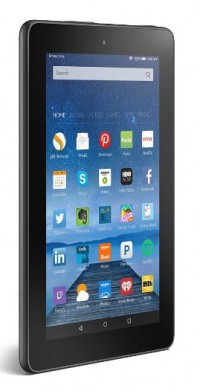 Amazon has a 7″ tablet for $50 and I’ve always been intrigued by it. When my nephew got one for Christmas, I finally got to at least see one in action and I was pretty impressed. When it went on sale for $40 a few weeks ago, I snagged one. I was expecting it to be frustratingly slow but it is actually a pretty pleasant experience. It is obviously snappier than our original Surface RT, and the battery life is plenty good for our use case. It’s really nice having all the Android apps at our fingertips too.
Our main use case right now is a recipe display. All our recipes are in OneNote and the tablet works well in that setting. I also used the Amazon Instant Video app to download a few free Amazon Prime videos that Elijah likes so we can use them while traveling, etc.
It’s definitely a consumption device, not a content creation device. If I was going to type an email, typing on the tablet would be my last resort. I prefer an actual keyboard, but if that’s not available, a phone keyboard fits better in my hand.
But remember, this is a $40 device. if two people go to a movie and buy a popcorn and a drink, they’re going to spend more than that. I feel like an old man when I pick it up because I think about what my 7-year-old self would have thought about a device like this and then I realize it’s basically a throw away toy.
Five Whys
If you have a two year old, you probably wish it stopped at five. Elijah is a master of the five (or 500) whys. I know I did the same thing when I was young and I try really hard to answer him legitimately. I want to cultivate his curious mind, but wow, it can be a trying ordeal to hear why over and over and over again. On the flip side, it leads to some intersting, albeit one-sided, discussions.